

If you’ve been putting off launching your website because custom design feels too expensive or DIY feels too overwhelming you’re not alone.
Most service providers spend months stuck in this exact spot: knowing they need a professional online presence, but unsure how to make it happen without draining their budget or their sanity.
Here’s what actually works: website templates.
But not just any template. The right one.
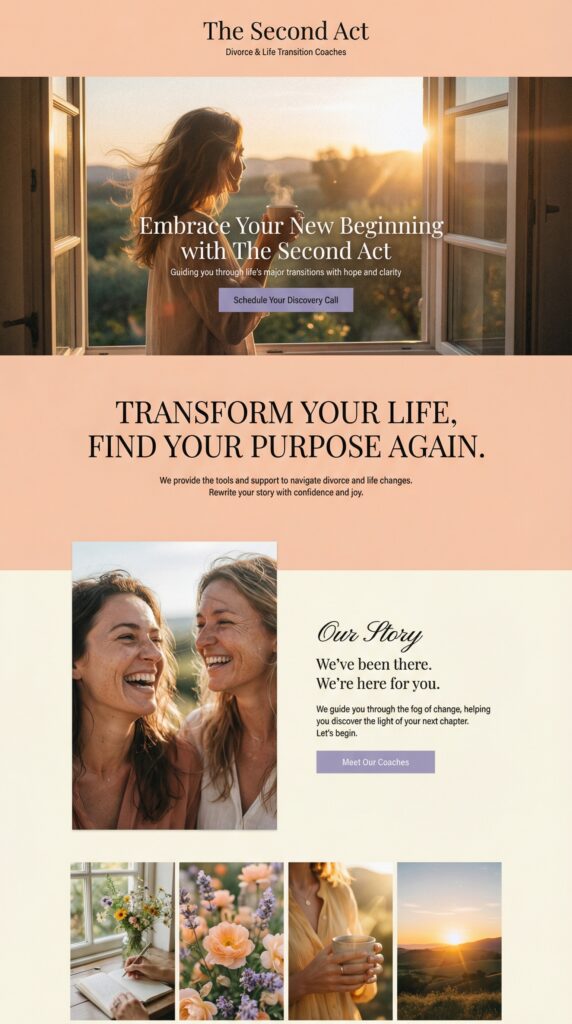
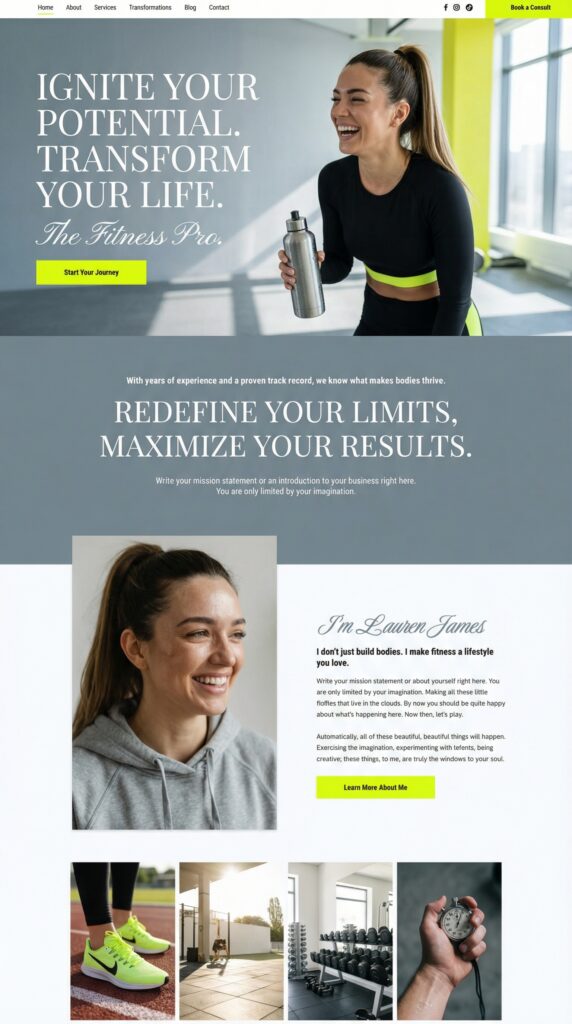
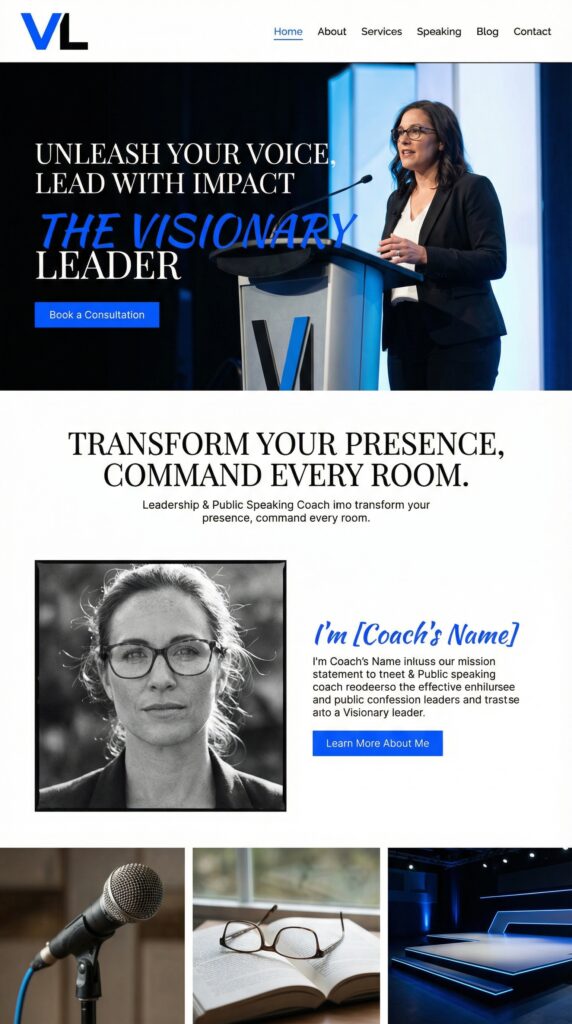
Why Templates Work for Service Providers
A few years ago, templates had a bad reputation. They looked generic, felt limiting, and screamed “I didn’t invest in my brand.”
That’s changed.
Modern website templates especially on platforms like Showit are built by professional designers who understand conversion strategy, user experience, and what makes people actually book your services.
The difference? You’re not starting from zero. The hard design decisions are already made. You’re just customizing to fit your brand.
What to Look for in a Service-Based Website Template
Not all templates are created equal. Here’s what separates a great template from one that’ll frustrate you:
1. Clear content hierarchy
Your visitors should know exactly where to look and what to do next. If a template feels cluttered or confusing when you preview it it’ll feel that way to your clients too.
2. Room to showcase your work
Whether you’re a coach with testimonials, a consultant with case studies, or a creative with a portfolio you need space to prove you’re good at what you do.
3. Easy customization (actually easy)
“Drag and drop” should mean drag and drop not “figure out CSS” or “hire a developer to help.”
4. Includes training or tutorials
The template itself is just the start. The best ones come with video walkthroughs so you’re never stuck wondering how to change something.
5. Feels like you (or can become you)
You should be able to swap in your brand colors, fonts, and images without the whole design falling apart.
Real Example: What a Good Template Looks Like
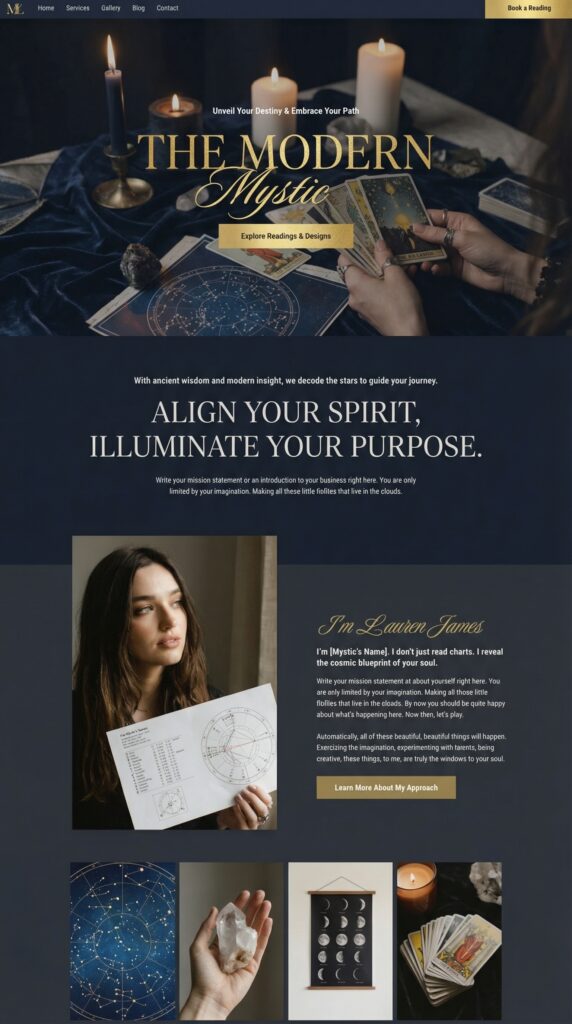
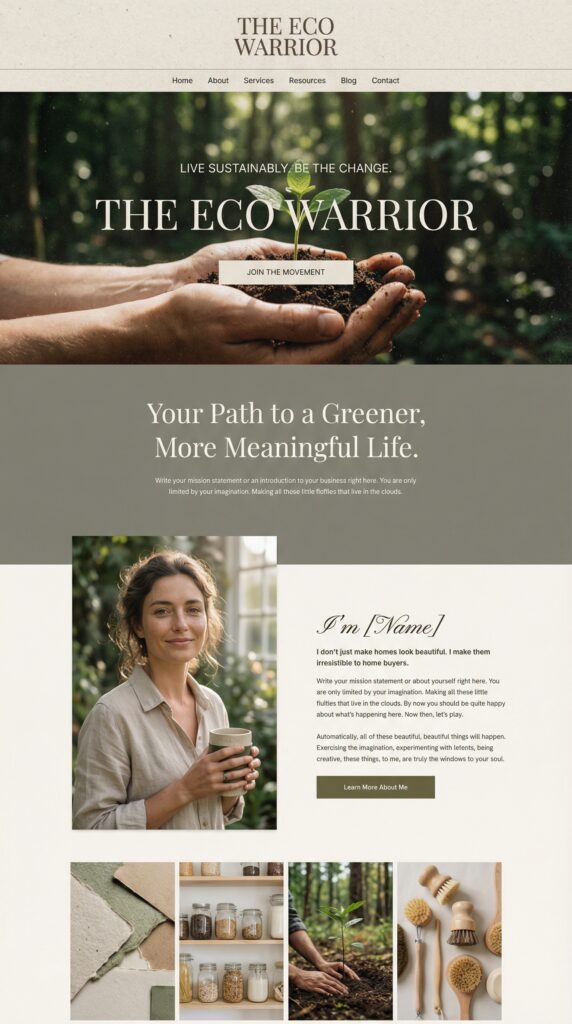
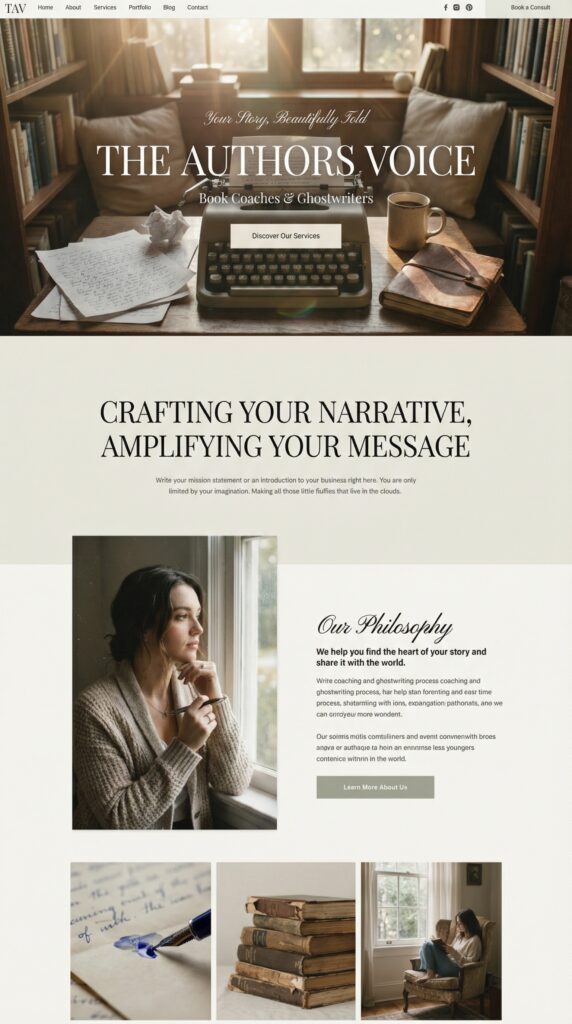
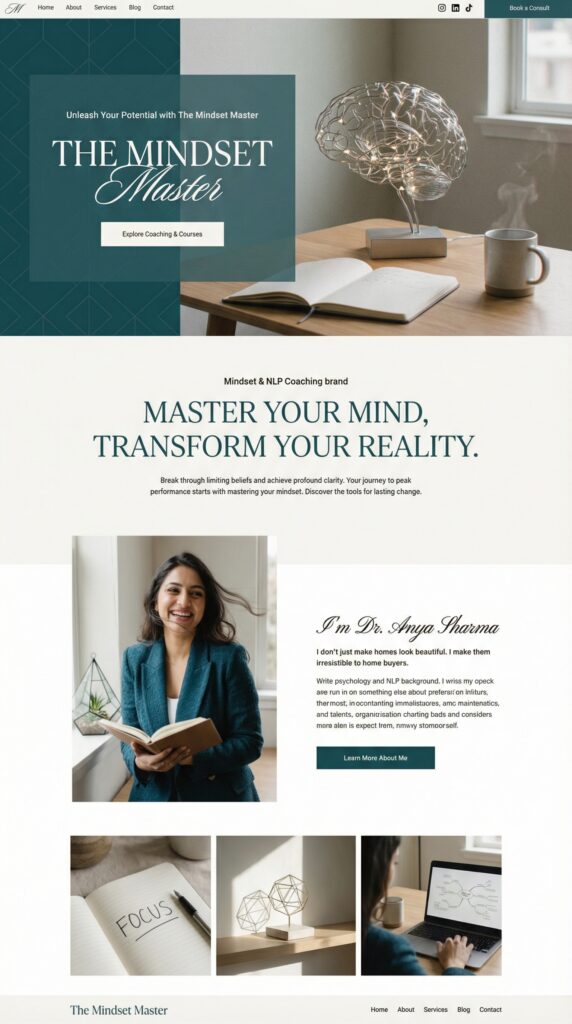
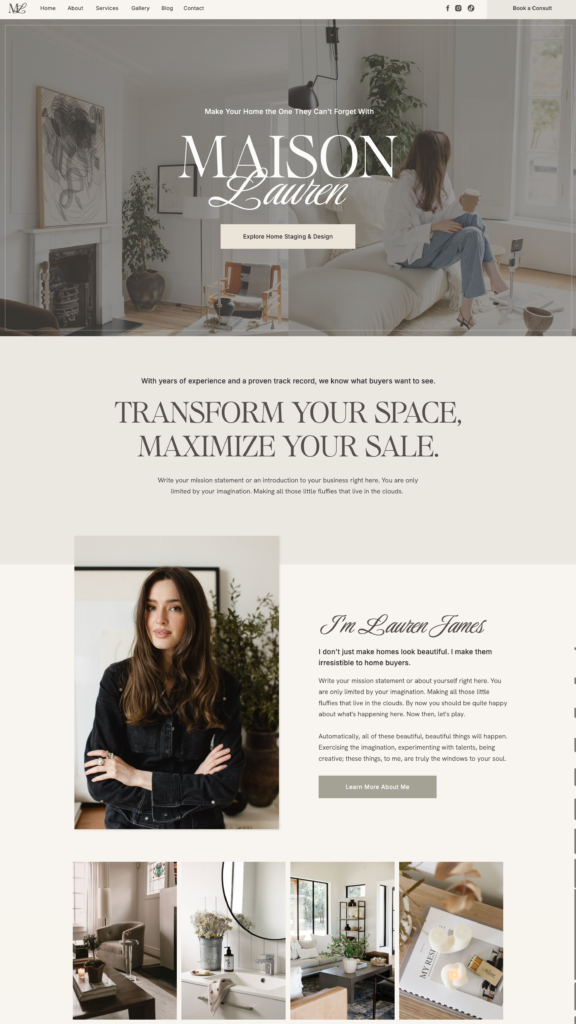
Take something like the Lauren template as an example.
It was designed for interior designers and realtors, but it works for almost any service provider because of how it’s structured:
- Multiple gallery areas for showcasing work
- Clean layouts that don’t overwhelm visitors
- Warm, approachable aesthetic (not cold or corporate)
- Fully customizable without touching code
What makes it useful isn’t just the design it’s the 30+ video tutorials that come with it. So when you inevitably wonder “how do I change this section?” there’s a video showing you exactly how.
That’s the difference between a template that sits unused and one you actually launch with.
How Fast Can You Actually Launch?
Here’s the honest timeline:
Weekend warriors: Some people knock it out in 2-3 days if they have their content ready
Steady builders: Most take 2-3 weeks, working in chunks around their existing schedule
Perfectionists: A month or so, tweaking every detail
All of these are faster than:
- Waiting months for a custom designer
- Spending months trying to DIY from scratch
- Staying stuck with no website at all
What You Actually Need Before You Start
Content ready to go:
- Your services clearly defined
- Photos (of you, your work, or stock that fits your brand)
- Testimonials or social proof
- Clear calls to action (book a call, sign up, get in touch)
Technical requirements:
- A domain name (yourname.com)
- Hosting or platform subscription (like Showit, Squarespace, etc.)
- A few hours to work through customization
Mindset shift: Done is better than perfect. Your first website doesn’t have to be your forever website it just has to get you online and working.
The Part No One Talks About: Templates Save You Decision Fatigue
The hardest part of building a website isn’t the technical stuff it’s the thousand tiny decisions.
Should this button be here or there?
What color should this section be?
How many testimonials is too many?
Does this layout even make sense?
A well-designed template has already made those decisions based on what actually converts. You’re just filling in your specifics.
That’s not “cheating” that’s working smarter.
When Templates Don't Work
Templates aren’t for everyone. They’re not ideal if:
- You need highly custom functionality (like a booking system with specific integrations)
- Your brand is so unique that pre-made layouts won’t fit
- You have a big budget and want something 100% bespoke
But for most service providers? A template gets you 90% of the way there in 10% of the time.
Getting Started: What to Do Next
Step 1: Figure out your must-haves
What pages do you actually need? (Hint: probably fewer than you think)
Step 2: Browse templates with your must-haves in mind
Look for ones built for service providers, not e-commerce or blogs
Step 3: Check what’s included
Does it come with tutorials? Support? Resources to help you launch?
Step 4: Get your content ready before you buy
Templates are fast but only if you’re not scrambling for photos and copy after purchase
Step 5: Launch it
Imperfect and live beats perfect and invisible.
Looking for a template that checks all these boxes?
The Lauren Showit template is built specifically for service-based businesses. It includes 10+ pages, 30+ tutorials, and a free month of Showit to get started.